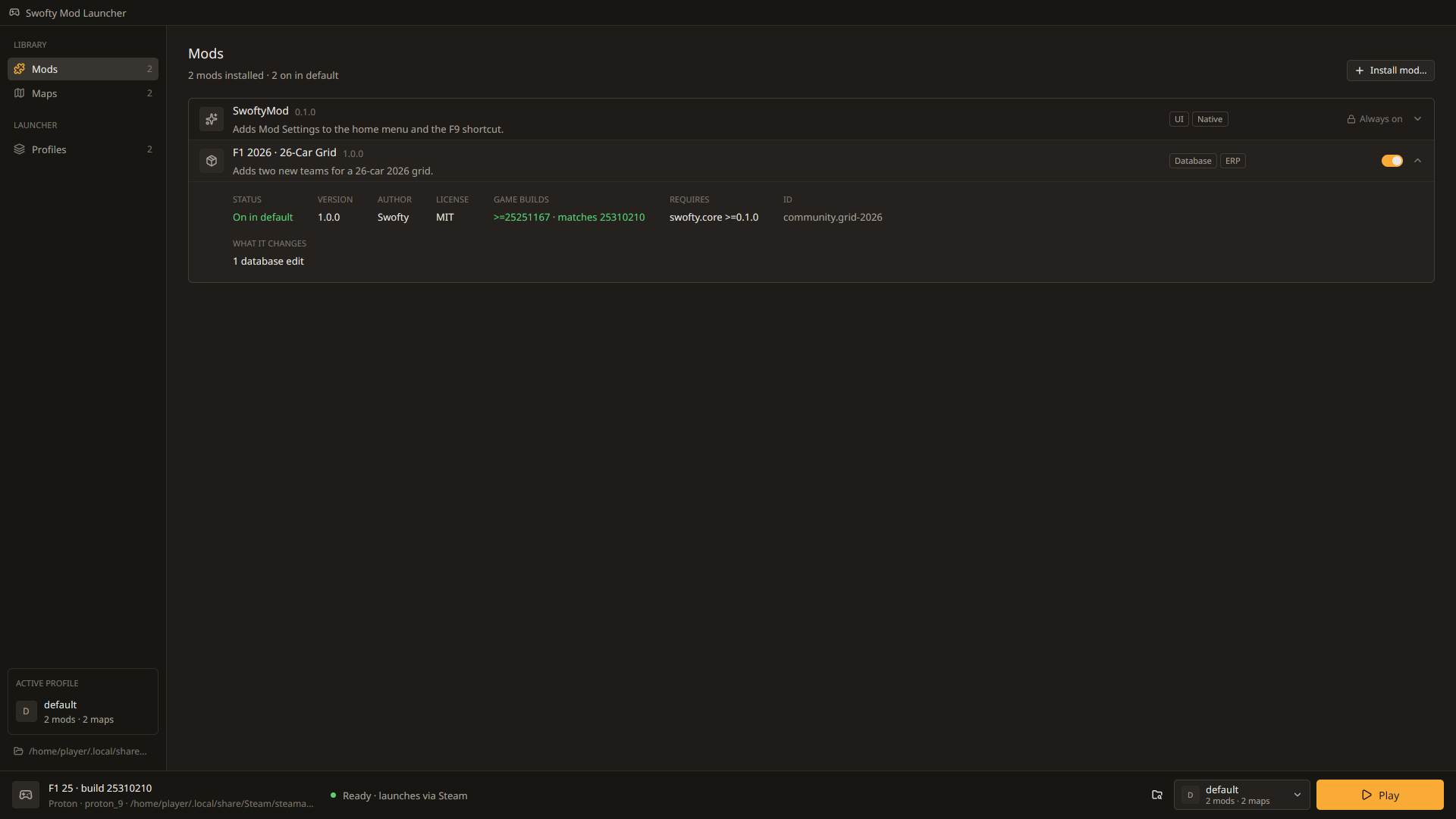
F1 Mod Manager is a launcher and mod loader for F1 25 on Windows and Linux. Add community tracks, install mods, change mod settings in game and keep separate profiles. Modded play is offline only, and launching from Steam stays vanilla.
- Windows 10 and 11
- Linux with Steam and Proton
- Steam Deck
Everything in one launcher
Maps
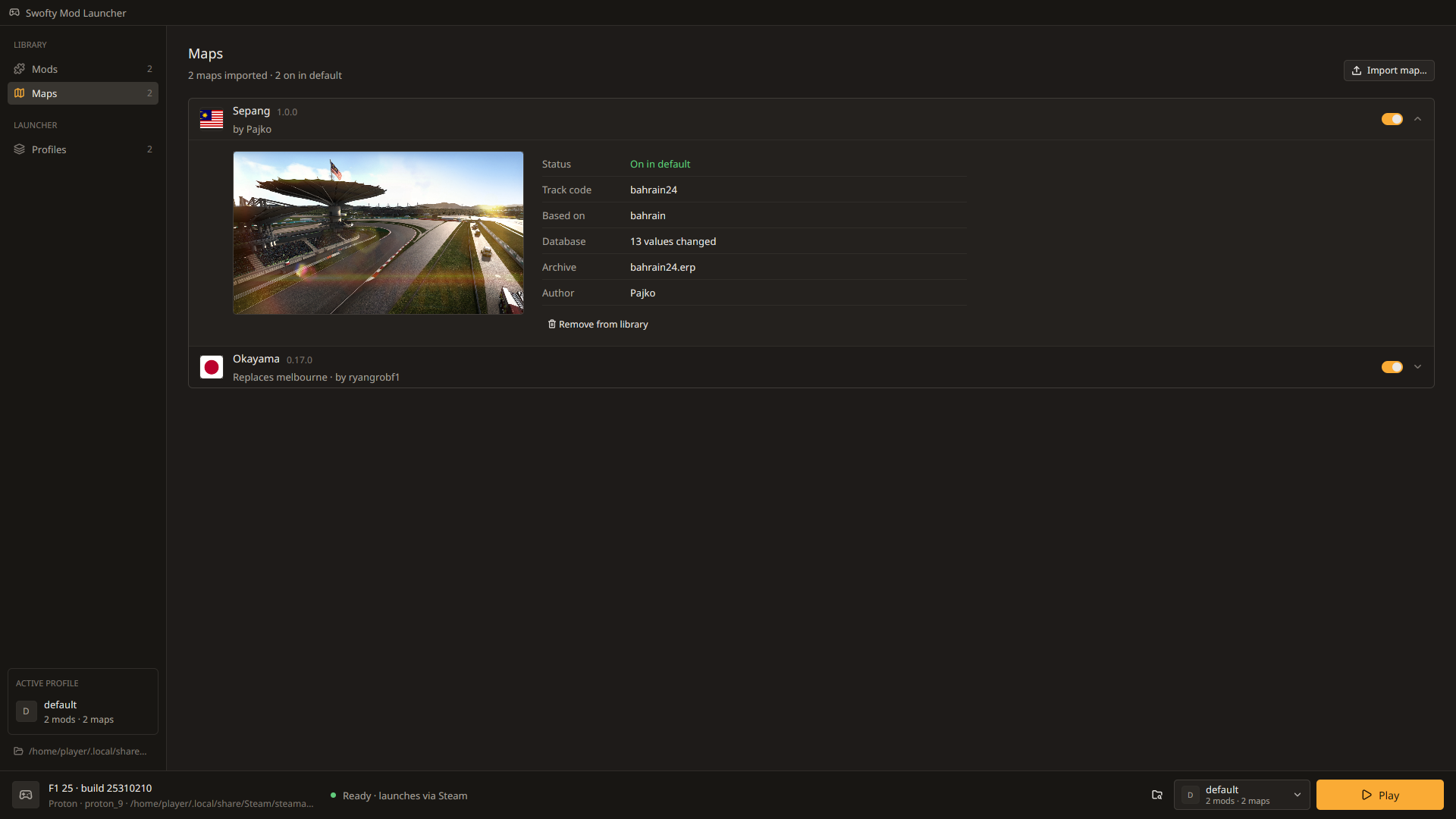
Import community track packages, such as Sepang and Okayama, and race on them as extra tracks.
Read moreMods
Install, enable and disable mods. The app warns you when two mods change the same thing.
Read moreIn-game mod settings
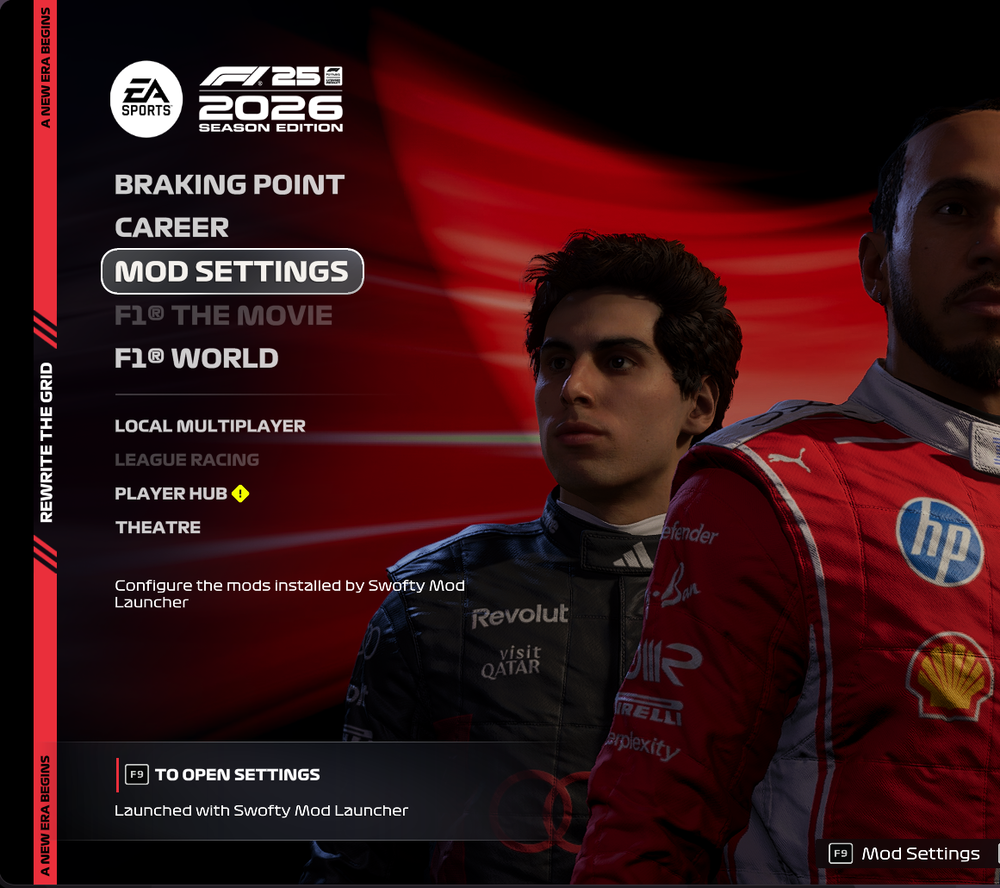
Open MOD SETTINGS in the game's home menu, under Career, to change mod options without leaving the game.
Read moreProfiles
Switch between separate sets of mods and maps, each with its own saves. The original game is always restorable in one click.
Read moreOffline-only modded play
Modded sessions always run offline with multiplayer off. Launching from Steam normally stays completely vanilla.
Read moreThe launcher app
Manage everything and press Play in one window, with live logs to help if the game crashes.
Read moreF1 Mod Manager is open source, with a hook system built for modders. Mods hook game functions by name, with priorities and chaining so several mods can change the same function.
#include <swofty/mixin.hpp>
#include <swofty/game/fe_home.hpp>

using namespace swofty::game;

SWOFTY_WRAP(FeHome_Handle_Command, uint64_t, FEHomeViewModel *vm, NeStr **cmd)
{
    if (swofty::str_eq(*cmd, "example.open_page"))
        return open_page(vm);
    return orig(vm, cmd);
}Interested? Read the installation guide to set up F1 Mod Manager, or the docs to start making mods.